When something breaks on a WordPress site, one of my first questions is simple: what changed? A plugin might have updated, someone might have edited a page, or a setting might have been switched. It helps to have a record you can check before you start guessing.
That’s the idea behind 404ops Activity Log. It records events such as logins, edits, and plugin updates in the site’s own database. You can filter the log, export what you need, and choose how long to keep the history. There’s also a daily email digest for a quick look at what happened.
That’s a habit I picked up in IT operations. Before trying to explain an incident, get the sequence of events straight. A useful log makes that first step easier.
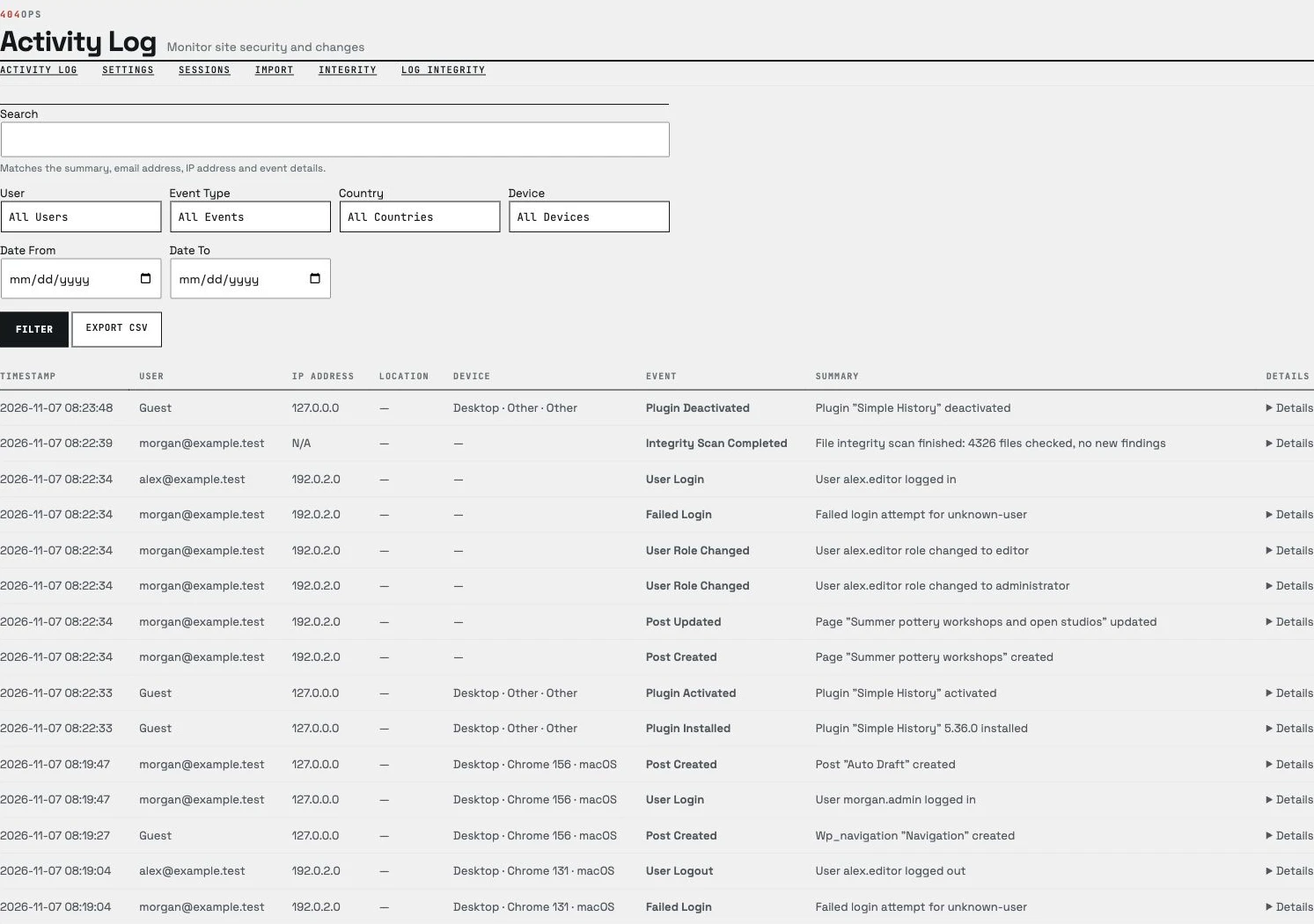
The plugin is available in the WordPress Plugin Directory.