When a backup job says it succeeded, I have a follow-up question. When did I last restore from it? That’s the check I’d rather do on an ordinary day than for the first time during an outage.
Test the restore while the site is healthy
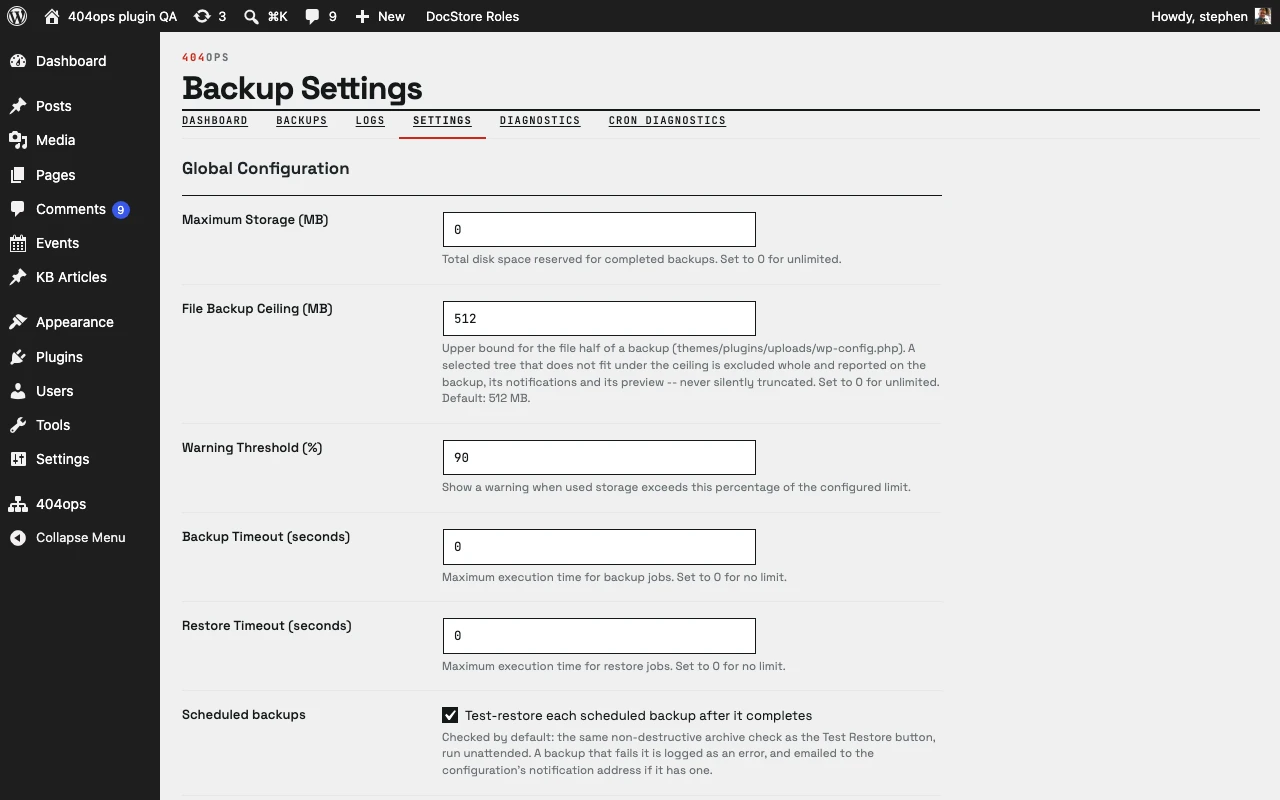
With 404ops Backup, a scheduled database backup is followed by a test restore. That gives me a chance to find out whether the archive can be loaded before I need it. I also want a copy away from the system I’m protecting so there’s a second place to turn if the primary system or its storage is gone.
For a full WordPress recovery, I’d also account for uploads, plugins, themes, and configuration. I want to know where those pieces are, how to bring the site up with them, and what I’ll check once it’s running.
Keep an eye on the backup system
There’s another piece of the job. An offsite backup system needs attention of its own. Offsite Console gives me one place to review storage capacity, alerts, and recent actions. If storage is running low, I want to see it while there’s still time to do something about it.
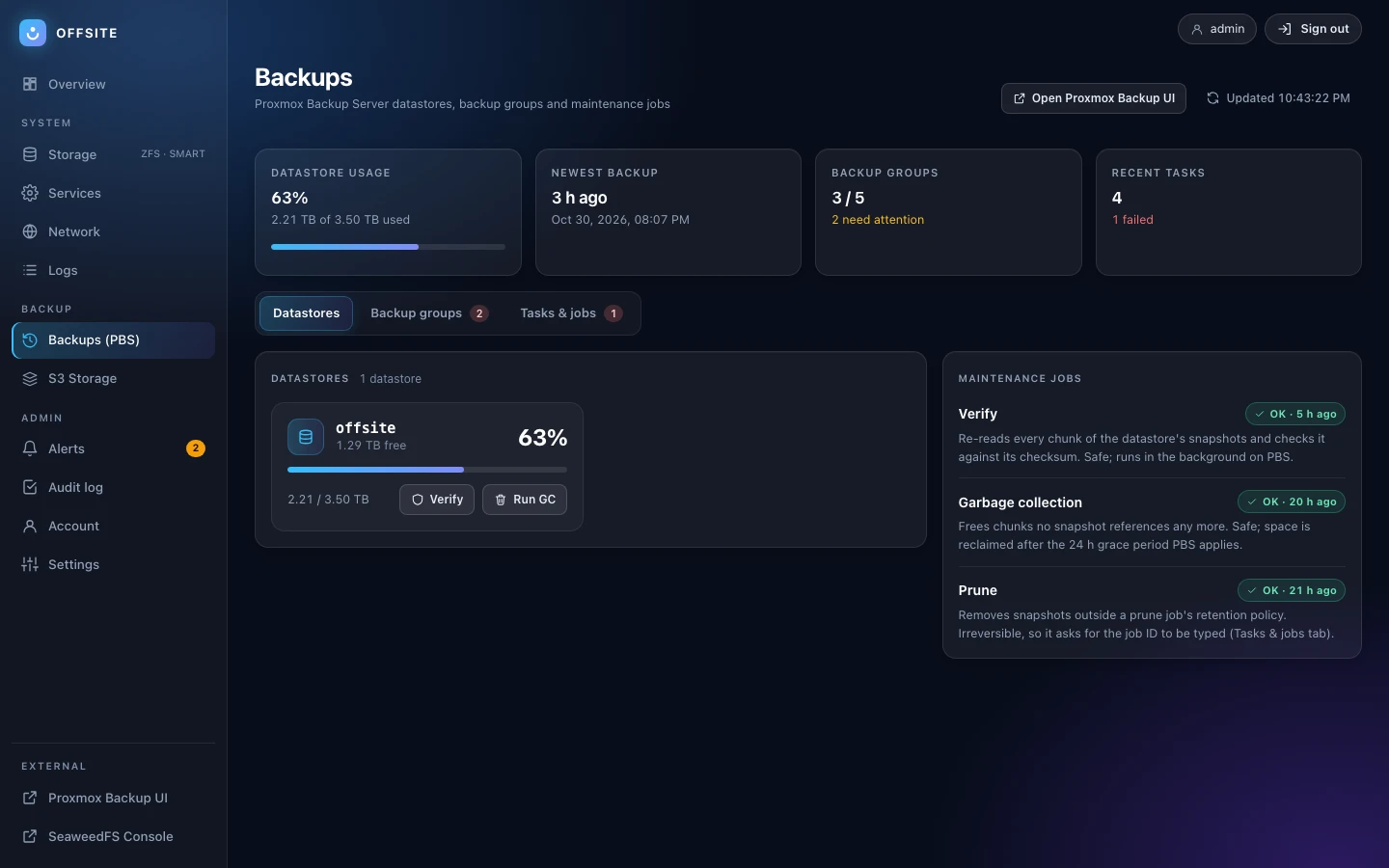
The two projects address those parts of the job. See 404ops Backup for database backups and test restores, and Offsite Console for a look at backup-server operations.